30 AI Tools in 30 Days: Full Tool List for Student 🎓
Welcome to the ultimate collection of 30 AI tools for students! Over the past month, we’ve explored one new tool every day — tools that can help you study smarter, create faster, and work more efficiently. Whether you’re writing essays, coding assignments, or designing projects, there’s an AI here to make life easier. Let’s dive in!
AI Tools
Sep 24, 2025
🚀 Day 1 – NotebookLM
What it Does: NotebookLM from Google is your personal research and writing assistant. Upload lecture notes, readings, or research papers, and it will summarize, connect ideas, and even outline essays.
How Students Can Use It: Perfect for prepping assignments, revising before exams, or brainstorming essay topics.
🔗 https://notebooklm.google.com/
🚀 Day 2 – Napkin AI
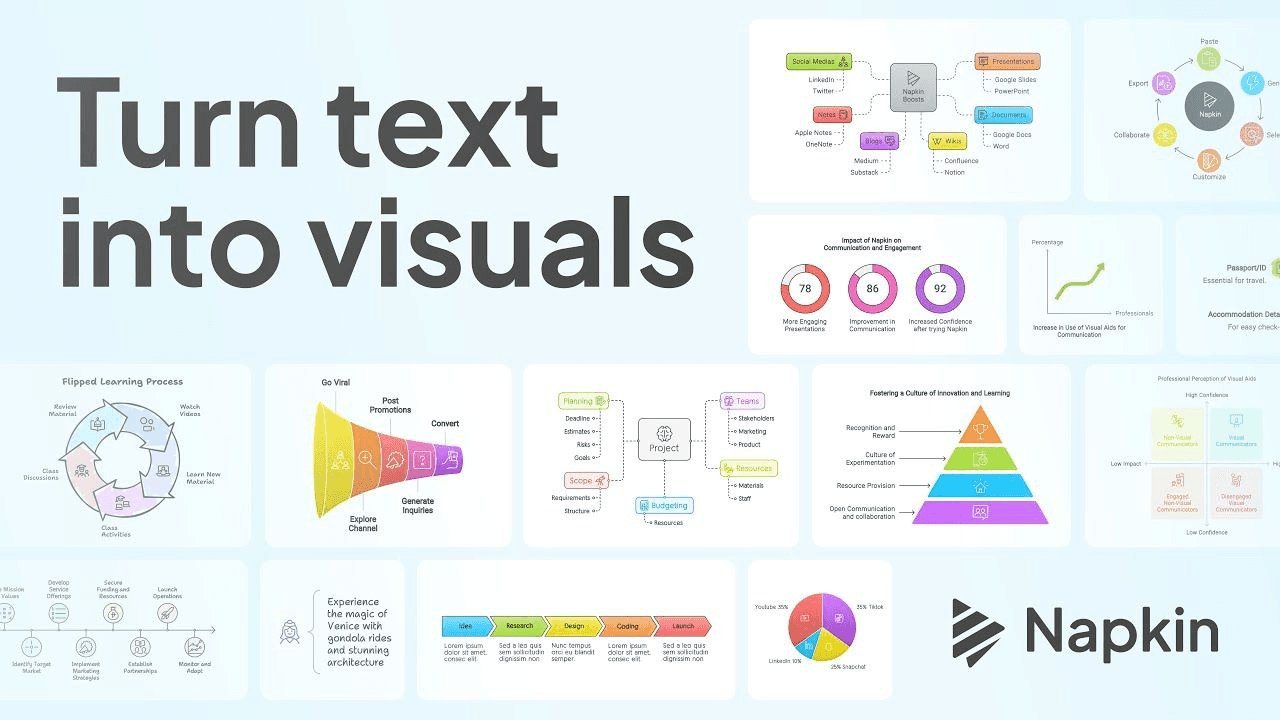
What it Does: Napkin AI acts like a “second brain,” helping you capture and connect ideas.
How Students Can Use It: Use it to jot lecture notes, brainstorm project ideas, and track research over time.
🚀 Day 3 – Gamma AI
What it Does: An AI-powered presentation maker that designs slides, layouts, and visuals instantly.
How Students Can Use It: Last-minute presentation due? Gamma saves hours by generating professional slides from your notes.
🚀 Day 4 – Hera AI
What it Does: Creates professional-looking videos by generating scripts, visuals, and voiceovers.
How Students Can Use It: Ideal for class projects, YouTube videos, or professional intros.
🚀 Day 5 – Canva Magic Studio
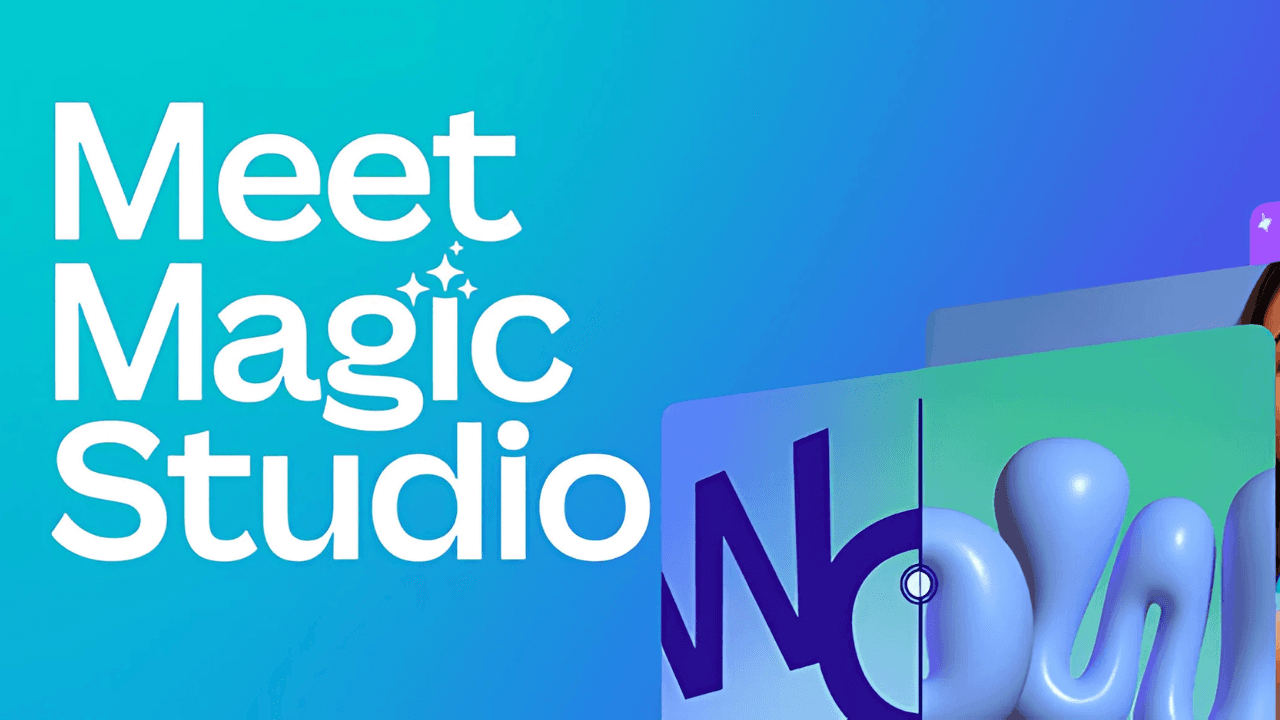
What it Does: Canva’s AI suite includes background remover, magic eraser, and smart design tools.
How Students Can Use It: Make posters, resumes, and social media graphics with ease.
🚀 Day 6 – Suno AI
What it Does: Creates original music from short prompts — choose vibe, lyrics, or mood.
How Students Can Use It: Add background music to projects, videos, or personal content.
🚀 Day 7 – Google AI Studio
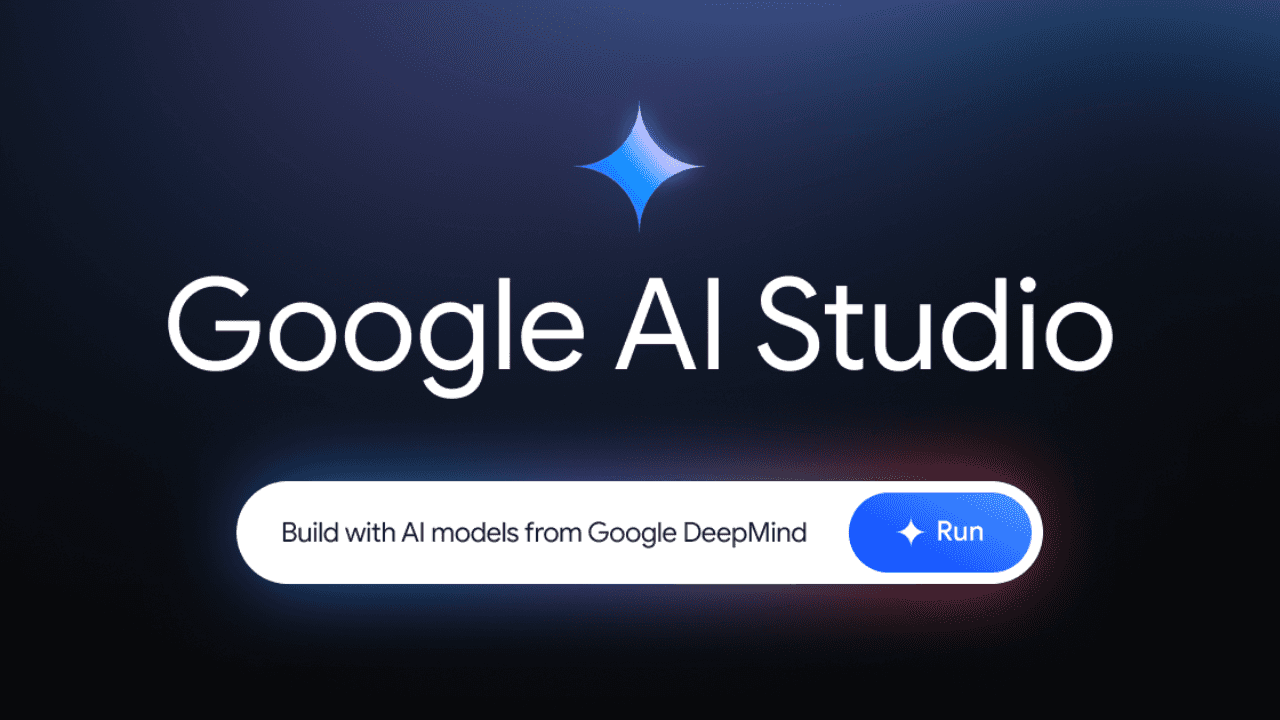
What it Does: Experiment with Google’s latest AI models to build apps and generate content.
How Students Can Use It: Explore AI coding projects or test app ideas.
🔗 https://aistudio.google.com/
🚀 Day 8 – Lovable AI

What it Does: A no-code platform for building web apps quickly.
How Students Can Use It: Build portfolio websites or project apps without needing to code.
🚀 Day 9 – Google Flow

What it Does: A Visual scripting tool for creating 3D and interactive experiences.
How Students Can Use It: Create simulations, games, or VR experiences.
🔗 https://labs.google/flow/about
🚀 Day 10 – Gemini Image Editor

What it Does: AI image editing with background removal, enhancements, and creative effects.
How Students Can Use It: Edit images for presentations, social posts, or personal projects.
🚀 Day 11 – Ideogram AI

What it Does: Turns your text prompts into custom illustrations, icons, and designs.
How Students Can Use It: Generate creative visuals for assignments or posters.
🚀 Day 12 – Make.com
What it Does: Automates repetitive tasks by connecting apps and services.
How Students Can Use It: Save time by automating emails, notes, or social posting.
🚀 Day 13 – HeyGen
What it Does: Create videos with AI avatars that speak your script.
How Students Can Use It: Make professional presentations or explainer videos.
🚀 Day 14 – ElevenLabs
What it Does: Turns text into lifelike speech in multiple languages.
How Students Can Use It: Generate narrations for videos or podcasts.
🚀 Day 15 – Comet
What it Does: Smart browser assistant that summarizes pages and answers questions.
How Students Can Use It: Speed up research by summarizing articles instantly.
🔗 https://www.perplexity.ai/grow/comet/students
🚀 Day 16 – Adobe Firefly

What it Does: Adobe’s AI to generate images, vectors, and effects.
How Students Can Use It: Make stunning graphics for projects or social media.
🔗 https://www.adobe.com/sensei/generative-ai/firefly.html
🚀 Day 17 – Mocha AI
What it Does: Build websites and apps with no coding required.
How Students Can Use It: Great for portfolios, project demos, or startup prototypes.
🚀 Day 18 – Browserfly

What it Does: In-browser AI that summarizes and automates tasks.
How Students Can Use It: Summarize long reads or auto-fill forms.
🚀 Day 19 – X-Design AI
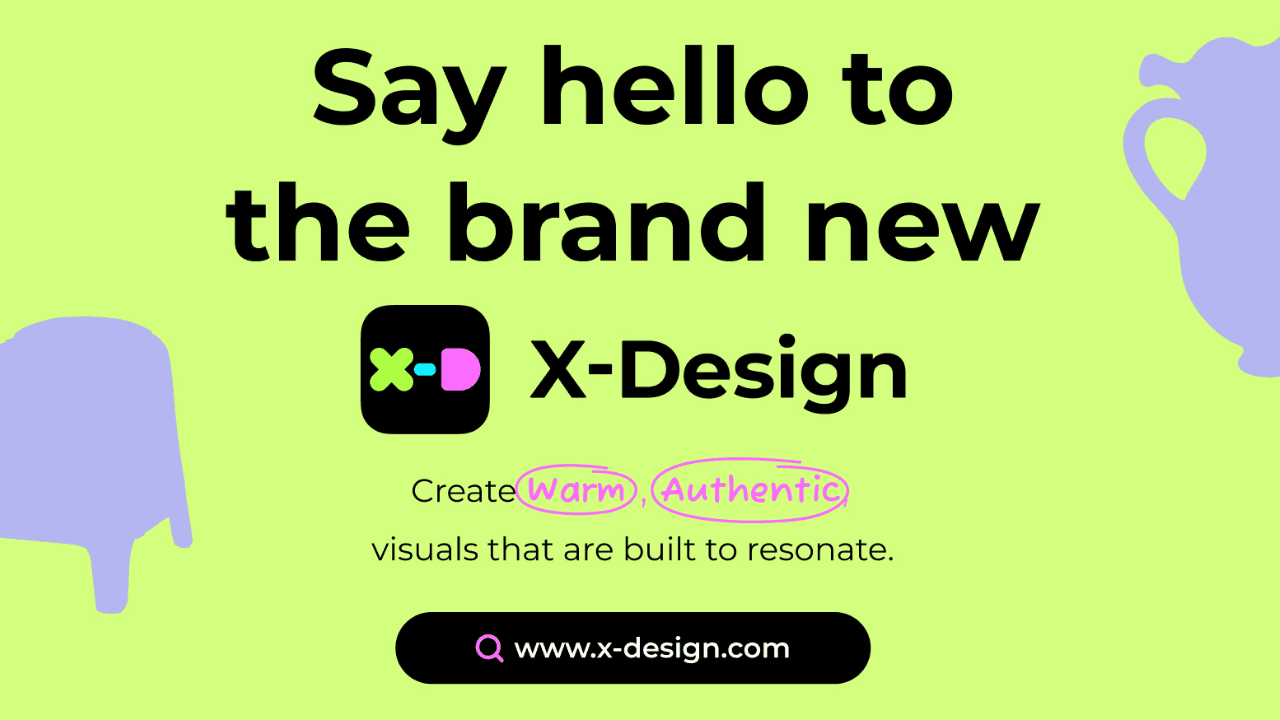
What it Does: Creates product mockups with realistic lighting and settings.
How Students Can Use It: Perfect for design portfolios and project visuals.
🔗 https://www.x-design.com/workspace
🚀 Day 20 – Waves by Smallest.ai
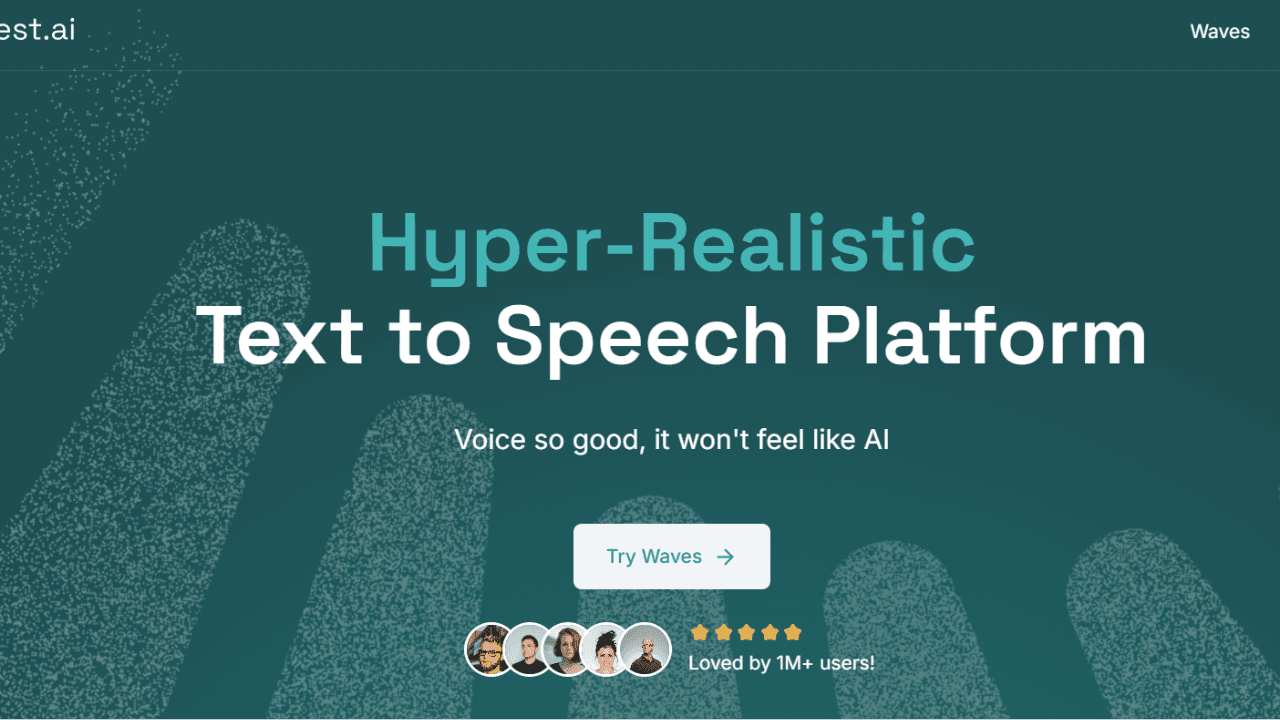
What it Does: An AI text-to-speech tool developed in India.
How Students Can Use It: Add voiceovers to videos or projects.
🚀 Day 21 – Notta.ai
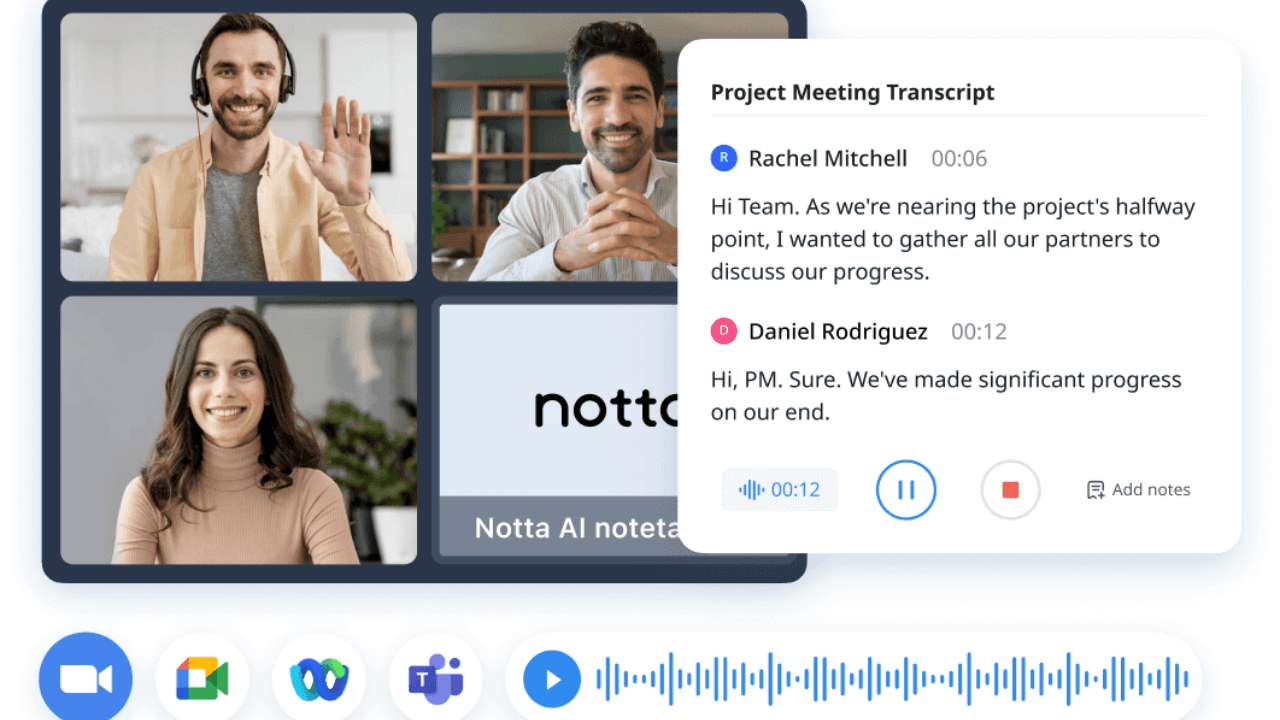
What it Does: Real-time transcription and summaries of meetings or lectures.
How Students Can Use It: Focus on listening while Notta takes your notes.
🚀 Day 22 – Grok 3

What it Does: All-in-one AI with conversational and creative features.
How Students Can Use It: Ask questions, generate text, or brainstorm project ideas.
🚀 Day 23 – Jio AI Cloud

What it Does: Free cloud storage that organizes and scans notes.
How Students Can Use It: Store all your study materials in one “smart backpack.”
🚀 Day 24 – Musicful.ai
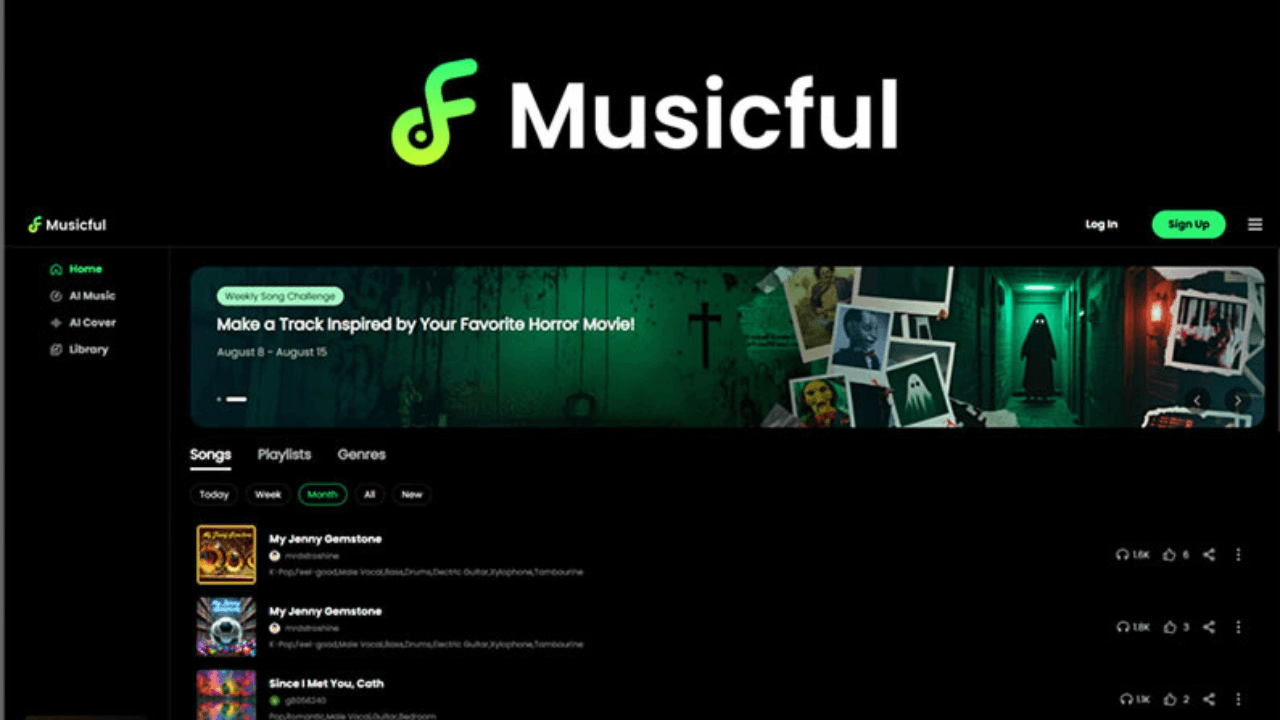
What it Does: A Music creation tool to generate songs, covers, or isolate vocals.
How Students Can Use It: Add original tracks to videos or creative projects.
🚀 Day 25 – Cursor AI

What it Does: An AI-powered code editor that explains, writes, and debugs.
How Students Can Use It: Get coding help, debug errors, and learn faster.
🚀 Day 26 – Copilot 3D
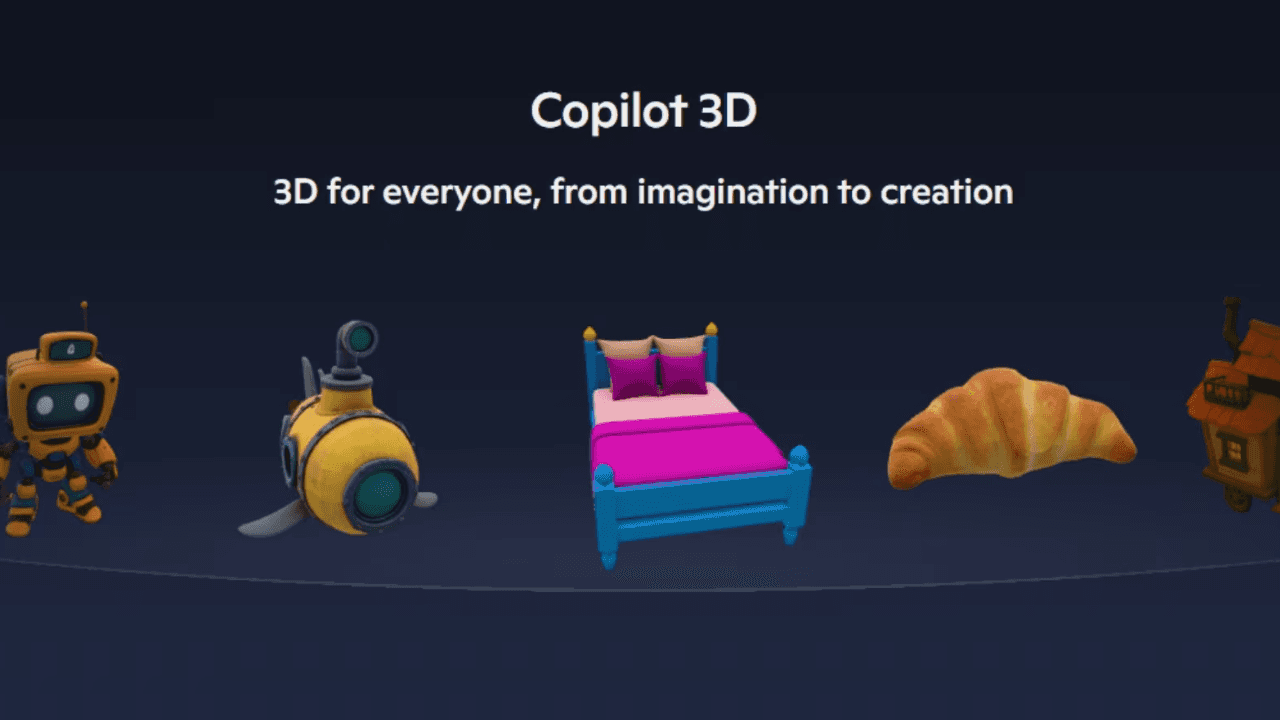
What it Does: Converts 2D images into interactive 3D models.
How Students Can Use It: Great for design, architecture, or gaming projects.
🔗 https://copilot.microsoft.com/labs
🚀 Day 27 – LM Arena
What it Does: Test and compare AI models through open benchmarking.
How Students Can Use It: Explore how different AI models perform.
🚀 Day 28 – GitHub Copilot
What it Does: AI coding assistant inside your IDE.
How Students Can Use It: Write code faster, get suggestions, and debug.
🔗 https://github.com/features/copilot
🚀 Day 29 – MGX.dev
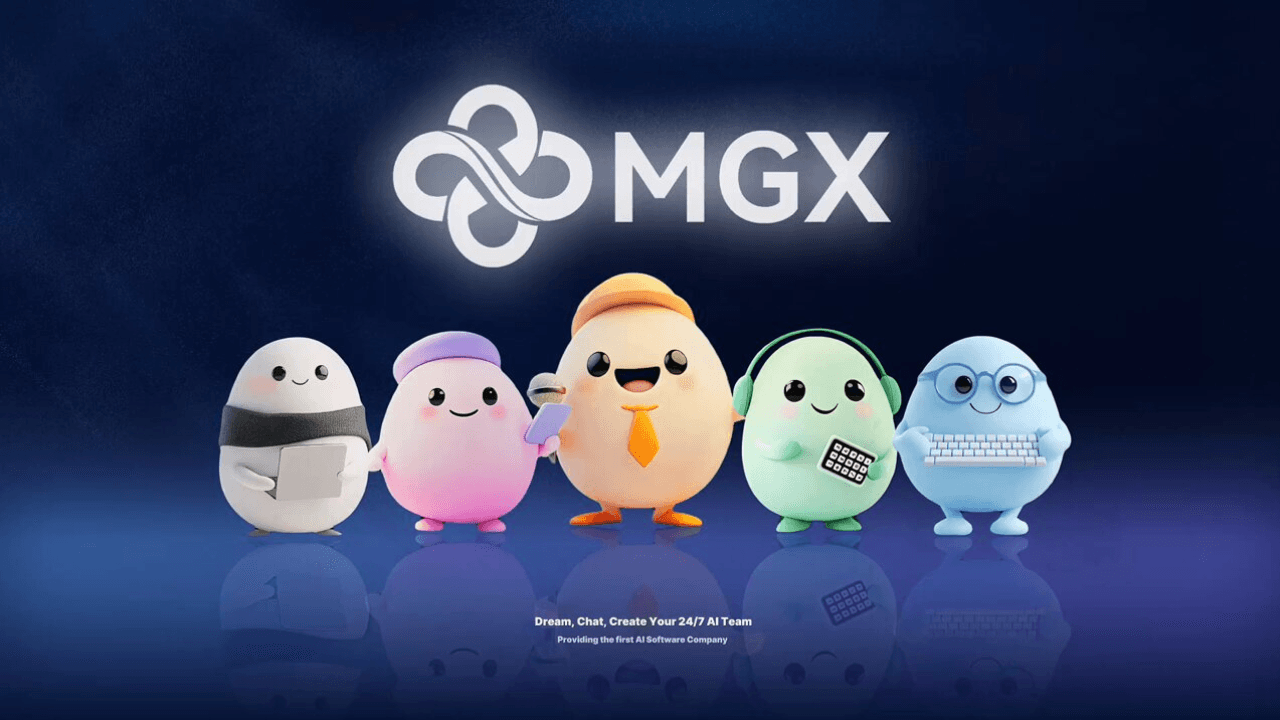
What it Does: Build and deploy apps or AI agents without coding.
How Students Can Use It: Perfect for portfolios, hackathons, or startups.
🚀 Day 30 – Viggle AI

What it Does: An AI tool that animates characters with text or motion prompts.
How Students Can Use It: Make engaging videos for projects or social media.
🎯 Final Thoughts
AI is no longer the future — it’s here, and it’s powerful. These 30 tools show how students can use AI to study faster, create better, and work smarter. Start with one experiment, and see how much time and creativity you unlock! ✨
📲 Connect with Me
Instagram: https://www.instagram.com/bhavishyasingla1
X (Twitter): https://x.com/Bhavishyas_1
More to Discover
30 AI Tools in 30 Days: Full Tool List for Student 🎓
Welcome to the ultimate collection of 30 AI tools for students! Over the past month, we’ve explored one new tool every day — tools that can help you study smarter, create faster, and work more efficiently. Whether you’re writing essays, coding assignments, or designing projects, there’s an AI here to make life easier. Let’s dive in!
AI Tools
Sep 24, 2025
🚀 Day 1 – NotebookLM
What it Does: NotebookLM from Google is your personal research and writing assistant. Upload lecture notes, readings, or research papers, and it will summarize, connect ideas, and even outline essays.
How Students Can Use It: Perfect for prepping assignments, revising before exams, or brainstorming essay topics.
🔗 https://notebooklm.google.com/
🚀 Day 2 – Napkin AI
What it Does: Napkin AI acts like a “second brain,” helping you capture and connect ideas.
How Students Can Use It: Use it to jot lecture notes, brainstorm project ideas, and track research over time.
🚀 Day 3 – Gamma AI
What it Does: An AI-powered presentation maker that designs slides, layouts, and visuals instantly.
How Students Can Use It: Last-minute presentation due? Gamma saves hours by generating professional slides from your notes.
🚀 Day 4 – Hera AI
What it Does: Creates professional-looking videos by generating scripts, visuals, and voiceovers.
How Students Can Use It: Ideal for class projects, YouTube videos, or professional intros.
🚀 Day 5 – Canva Magic Studio
What it Does: Canva’s AI suite includes background remover, magic eraser, and smart design tools.
How Students Can Use It: Make posters, resumes, and social media graphics with ease.
🚀 Day 6 – Suno AI
What it Does: Creates original music from short prompts — choose vibe, lyrics, or mood.
How Students Can Use It: Add background music to projects, videos, or personal content.
🚀 Day 7 – Google AI Studio
What it Does: Experiment with Google’s latest AI models to build apps and generate content.
How Students Can Use It: Explore AI coding projects or test app ideas.
🔗 https://aistudio.google.com/
🚀 Day 8 – Lovable AI
What it Does: A no-code platform for building web apps quickly.
How Students Can Use It: Build portfolio websites or project apps without needing to code.
🚀 Day 9 – Google Flow
What it Does: A Visual scripting tool for creating 3D and interactive experiences.
How Students Can Use It: Create simulations, games, or VR experiences.
🔗 https://labs.google/flow/about
🚀 Day 10 – Gemini Image Editor
What it Does: AI image editing with background removal, enhancements, and creative effects.
How Students Can Use It: Edit images for presentations, social posts, or personal projects.
🚀 Day 11 – Ideogram AI
What it Does: Turns your text prompts into custom illustrations, icons, and designs.
How Students Can Use It: Generate creative visuals for assignments or posters.
🚀 Day 12 – Make.com
What it Does: Automates repetitive tasks by connecting apps and services.
How Students Can Use It: Save time by automating emails, notes, or social posting.
🚀 Day 13 – HeyGen
What it Does: Create videos with AI avatars that speak your script.
How Students Can Use It: Make professional presentations or explainer videos.
🚀 Day 14 – ElevenLabs
What it Does: Turns text into lifelike speech in multiple languages.
How Students Can Use It: Generate narrations for videos or podcasts.
🚀 Day 15 – Comet
What it Does: Smart browser assistant that summarizes pages and answers questions.
How Students Can Use It: Speed up research by summarizing articles instantly.
🔗 https://www.perplexity.ai/grow/comet/students
🚀 Day 16 – Adobe Firefly
What it Does: Adobe’s AI to generate images, vectors, and effects.
How Students Can Use It: Make stunning graphics for projects or social media.
🔗 https://www.adobe.com/sensei/generative-ai/firefly.html
🚀 Day 17 – Mocha AI
What it Does: Build websites and apps with no coding required.
How Students Can Use It: Great for portfolios, project demos, or startup prototypes.
🚀 Day 18 – Browserfly
What it Does: In-browser AI that summarizes and automates tasks.
How Students Can Use It: Summarize long reads or auto-fill forms.
🚀 Day 19 – X-Design AI
What it Does: Creates product mockups with realistic lighting and settings.
How Students Can Use It: Perfect for design portfolios and project visuals.
🔗 https://www.x-design.com/workspace
🚀 Day 20 – Waves by Smallest.ai
What it Does: An AI text-to-speech tool developed in India.
How Students Can Use It: Add voiceovers to videos or projects.
🚀 Day 21 – Notta.ai
What it Does: Real-time transcription and summaries of meetings or lectures.
How Students Can Use It: Focus on listening while Notta takes your notes.
🚀 Day 22 – Grok 3
What it Does: All-in-one AI with conversational and creative features.
How Students Can Use It: Ask questions, generate text, or brainstorm project ideas.
🚀 Day 23 – Jio AI Cloud
What it Does: Free cloud storage that organizes and scans notes.
How Students Can Use It: Store all your study materials in one “smart backpack.”
🚀 Day 24 – Musicful.ai
What it Does: A Music creation tool to generate songs, covers, or isolate vocals.
How Students Can Use It: Add original tracks to videos or creative projects.
🚀 Day 25 – Cursor AI
What it Does: An AI-powered code editor that explains, writes, and debugs.
How Students Can Use It: Get coding help, debug errors, and learn faster.
🚀 Day 26 – Copilot 3D
What it Does: Converts 2D images into interactive 3D models.
How Students Can Use It: Great for design, architecture, or gaming projects.
🔗 https://copilot.microsoft.com/labs
🚀 Day 27 – LM Arena
What it Does: Test and compare AI models through open benchmarking.
How Students Can Use It: Explore how different AI models perform.
🚀 Day 28 – GitHub Copilot
What it Does: AI coding assistant inside your IDE.
How Students Can Use It: Write code faster, get suggestions, and debug.
🔗 https://github.com/features/copilot
🚀 Day 29 – MGX.dev
What it Does: Build and deploy apps or AI agents without coding.
How Students Can Use It: Perfect for portfolios, hackathons, or startups.
🚀 Day 30 – Viggle AI
What it Does: An AI tool that animates characters with text or motion prompts.
How Students Can Use It: Make engaging videos for projects or social media.
🎯 Final Thoughts
AI is no longer the future — it’s here, and it’s powerful. These 30 tools show how students can use AI to study faster, create better, and work smarter. Start with one experiment, and see how much time and creativity you unlock! ✨
📲 Connect with Me
Instagram: https://www.instagram.com/bhavishyasingla1
X (Twitter): https://x.com/Bhavishyas_1
More to Discover
30 AI Tools in 30 Days: Full Tool List for Student 🎓
Welcome to the ultimate collection of 30 AI tools for students! Over the past month, we’ve explored one new tool every day — tools that can help you study smarter, create faster, and work more efficiently. Whether you’re writing essays, coding assignments, or designing projects, there’s an AI here to make life easier. Let’s dive in!
AI Tools
Sep 24, 2025
🚀 Day 1 – NotebookLM
What it Does: NotebookLM from Google is your personal research and writing assistant. Upload lecture notes, readings, or research papers, and it will summarize, connect ideas, and even outline essays.
How Students Can Use It: Perfect for prepping assignments, revising before exams, or brainstorming essay topics.
🔗 https://notebooklm.google.com/
🚀 Day 2 – Napkin AI
What it Does: Napkin AI acts like a “second brain,” helping you capture and connect ideas.
How Students Can Use It: Use it to jot lecture notes, brainstorm project ideas, and track research over time.
🚀 Day 3 – Gamma AI
What it Does: An AI-powered presentation maker that designs slides, layouts, and visuals instantly.
How Students Can Use It: Last-minute presentation due? Gamma saves hours by generating professional slides from your notes.
🚀 Day 4 – Hera AI
What it Does: Creates professional-looking videos by generating scripts, visuals, and voiceovers.
How Students Can Use It: Ideal for class projects, YouTube videos, or professional intros.
🚀 Day 5 – Canva Magic Studio
What it Does: Canva’s AI suite includes background remover, magic eraser, and smart design tools.
How Students Can Use It: Make posters, resumes, and social media graphics with ease.
🚀 Day 6 – Suno AI
What it Does: Creates original music from short prompts — choose vibe, lyrics, or mood.
How Students Can Use It: Add background music to projects, videos, or personal content.
🚀 Day 7 – Google AI Studio
What it Does: Experiment with Google’s latest AI models to build apps and generate content.
How Students Can Use It: Explore AI coding projects or test app ideas.
🔗 https://aistudio.google.com/
🚀 Day 8 – Lovable AI
What it Does: A no-code platform for building web apps quickly.
How Students Can Use It: Build portfolio websites or project apps without needing to code.
🚀 Day 9 – Google Flow
What it Does: A Visual scripting tool for creating 3D and interactive experiences.
How Students Can Use It: Create simulations, games, or VR experiences.
🔗 https://labs.google/flow/about
🚀 Day 10 – Gemini Image Editor
What it Does: AI image editing with background removal, enhancements, and creative effects.
How Students Can Use It: Edit images for presentations, social posts, or personal projects.
🚀 Day 11 – Ideogram AI
What it Does: Turns your text prompts into custom illustrations, icons, and designs.
How Students Can Use It: Generate creative visuals for assignments or posters.
🚀 Day 12 – Make.com
What it Does: Automates repetitive tasks by connecting apps and services.
How Students Can Use It: Save time by automating emails, notes, or social posting.
🚀 Day 13 – HeyGen
What it Does: Create videos with AI avatars that speak your script.
How Students Can Use It: Make professional presentations or explainer videos.
🚀 Day 14 – ElevenLabs
What it Does: Turns text into lifelike speech in multiple languages.
How Students Can Use It: Generate narrations for videos or podcasts.
🚀 Day 15 – Comet
What it Does: Smart browser assistant that summarizes pages and answers questions.
How Students Can Use It: Speed up research by summarizing articles instantly.
🔗 https://www.perplexity.ai/grow/comet/students
🚀 Day 16 – Adobe Firefly
What it Does: Adobe’s AI to generate images, vectors, and effects.
How Students Can Use It: Make stunning graphics for projects or social media.
🔗 https://www.adobe.com/sensei/generative-ai/firefly.html
🚀 Day 17 – Mocha AI
What it Does: Build websites and apps with no coding required.
How Students Can Use It: Great for portfolios, project demos, or startup prototypes.
🚀 Day 18 – Browserfly
What it Does: In-browser AI that summarizes and automates tasks.
How Students Can Use It: Summarize long reads or auto-fill forms.
🚀 Day 19 – X-Design AI
What it Does: Creates product mockups with realistic lighting and settings.
How Students Can Use It: Perfect for design portfolios and project visuals.
🔗 https://www.x-design.com/workspace
🚀 Day 20 – Waves by Smallest.ai
What it Does: An AI text-to-speech tool developed in India.
How Students Can Use It: Add voiceovers to videos or projects.
🚀 Day 21 – Notta.ai
What it Does: Real-time transcription and summaries of meetings or lectures.
How Students Can Use It: Focus on listening while Notta takes your notes.
🚀 Day 22 – Grok 3
What it Does: All-in-one AI with conversational and creative features.
How Students Can Use It: Ask questions, generate text, or brainstorm project ideas.
🚀 Day 23 – Jio AI Cloud
What it Does: Free cloud storage that organizes and scans notes.
How Students Can Use It: Store all your study materials in one “smart backpack.”
🚀 Day 24 – Musicful.ai
What it Does: A Music creation tool to generate songs, covers, or isolate vocals.
How Students Can Use It: Add original tracks to videos or creative projects.
🚀 Day 25 – Cursor AI
What it Does: An AI-powered code editor that explains, writes, and debugs.
How Students Can Use It: Get coding help, debug errors, and learn faster.
🚀 Day 26 – Copilot 3D
What it Does: Converts 2D images into interactive 3D models.
How Students Can Use It: Great for design, architecture, or gaming projects.
🔗 https://copilot.microsoft.com/labs
🚀 Day 27 – LM Arena
What it Does: Test and compare AI models through open benchmarking.
How Students Can Use It: Explore how different AI models perform.
🚀 Day 28 – GitHub Copilot
What it Does: AI coding assistant inside your IDE.
How Students Can Use It: Write code faster, get suggestions, and debug.
🔗 https://github.com/features/copilot
🚀 Day 29 – MGX.dev
What it Does: Build and deploy apps or AI agents without coding.
How Students Can Use It: Perfect for portfolios, hackathons, or startups.
🚀 Day 30 – Viggle AI
What it Does: An AI tool that animates characters with text or motion prompts.
How Students Can Use It: Make engaging videos for projects or social media.
🎯 Final Thoughts
AI is no longer the future — it’s here, and it’s powerful. These 30 tools show how students can use AI to study faster, create better, and work smarter. Start with one experiment, and see how much time and creativity you unlock! ✨
📲 Connect with Me
Instagram: https://www.instagram.com/bhavishyasingla1
X (Twitter): https://x.com/Bhavishyas_1